


VR Office: Stepping into the Future of Working from Home
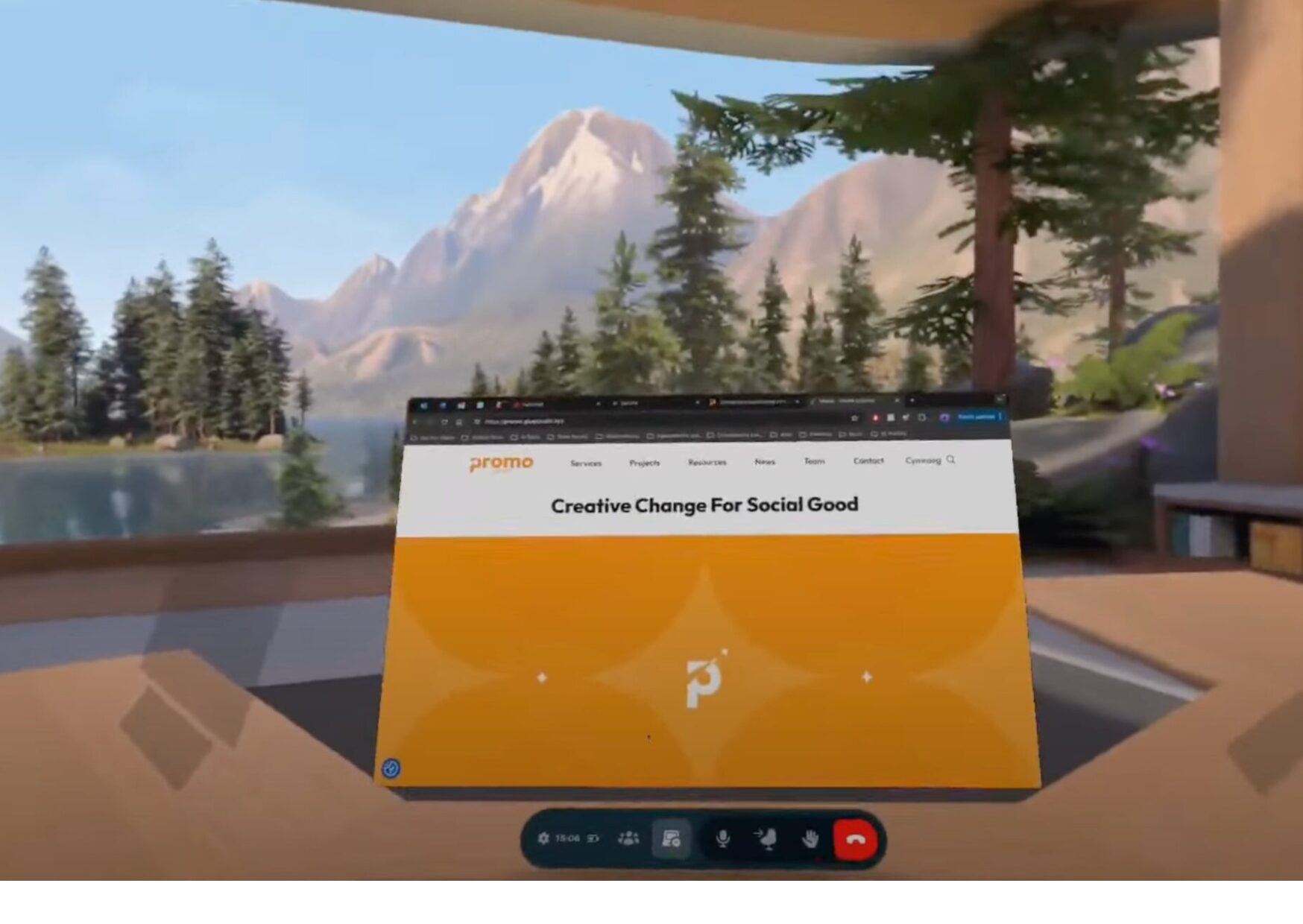
Stuck in a home office rut? Craving a more inspiring workspace? Want to collaborate seamlessly with remote colleagues? Virtual Reality (VR) allows you create immersive and potentially more productive home office environments.
Creating a better home office with VR
VR offers a unique opportunity to design a customised workspace that caters to your specific needs and preferences. You can create a more immersive and potentially more productive home office environment in VR! Here’s how it works:
Dedicated VR office apps
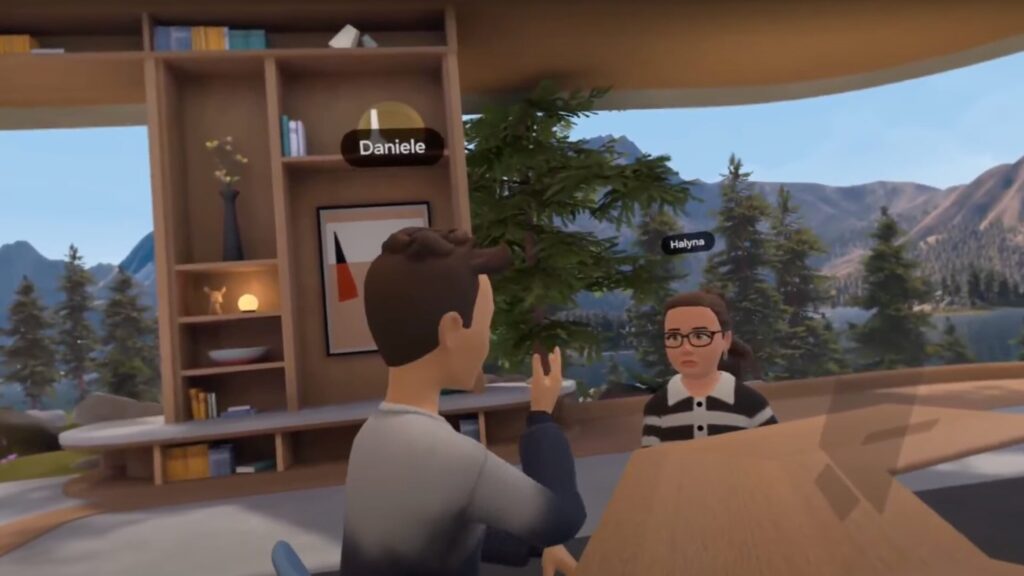
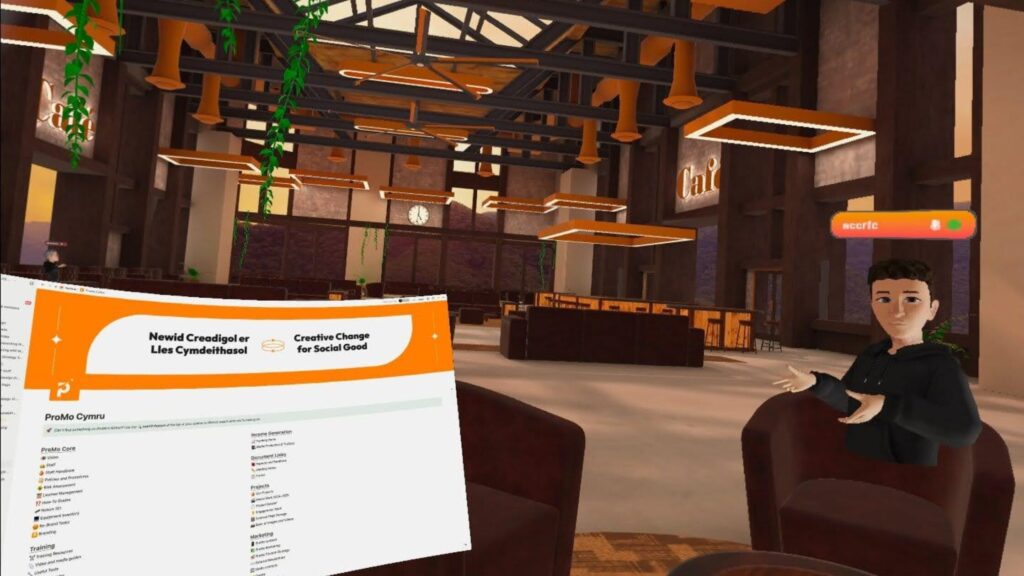
These apps act as your virtual workspace. Popular options include Immersed VR, VSpatial, and Meta Horizon Workrooms. They allow you to customise your virtual office with windows looking out over breathtaking views, placing virtual screens to do your work, or even collaborating with colleagues in a virtual conference room.
Multiple screens
Imagine having multiple monitors floating in your VR space, perfect for multitasking! No more bulky desks – VR lets you arrange and resize virtual screens to your liking, maximising your workspace without needing a physical setup.
Keyboard integration
While VR gloves are still evolving, most VR office apps let you use a physical keyboard and mouse or trackpad in the real world to interact with the virtual workspace. This ensures a familiar typing experience for seamless work.
Passthrough technology
Passthrough technology allows you to blend your VR and real-life worlds. This nifty feature allows you to see your real-world environment through the headset with the press of a button. Need to grab a coffee, check your phone, or write something on paper? Passthrough lets you switch between the virtual and real worlds without taking off your headset.
What are the benefits of using VR when working from home?
There are lots of potential benefits to working using VR from home, including:
- Increased focus: VR can minimise distractions by blocking out your physical surroundings. Imagine working in a serene mountain cabin instead of your messy desk with noisy neighbours.
- Improved ergonomics: VR allows for more ergonomic setups. You can adjust your virtual workspace to your ideal height and position, potentially reducing back and neck strain. You don’t need much room for a set up that would cost you hundreds, if not thousands of pounds to replicate in real-life.
- Enhanced collaboration: VR collaboration tools let you meet virtually with colleagues in shared spaces, fostering a sense of presence and teamwork. Imagine brainstorming with colleagues across the globe in a virtual whiteboard session.
- Fun factor: Let’s be honest, working from home can get monotonous. VR injects a dose of fun and novelty into your workday. Imagine presenting your latest project in a virtual amphitheater or attending a team meeting on a virtual tropical beach. It can be a refreshing change of scenery that keeps you motivated and energised.
However, these benefits may not be worth it for everyone. While VR offers exciting possibilities, it doesn’t always work as seamlessly as it suggests when advertised.
What can be done to be improve working using VR?
There’s always room for improvement, especially with emerging technology. Here are some aspects of VR workspaces that are still under development:
- Seamless keyboard Integration: Sometimes, typing using passthrough can be jarring, so you could make more typos.
- Eye strain and comfort: VR use can cause eye strain, headaches, and vertigo for some.
- Headset weight and battery life: Current VR headsets can feel heavy after wearing them for a few hours, and battery life can limit your workday.
- Unrealistic avatars: While you can customise your VR avatar, it still looks like a cartoon. It could lead to social awkwardness when joining meetings with other professionals online, who may not understand and consider joining using VR gimmicky.
While VR technology is still evolving, it offers a glimpse into the future of work. With its potential to improve focus, creativity, and collaboration, VR could be the key to unlocking a more productive and engaging work experience from home.
Find out more about ProMo Cymru’s Digital Support Service here.
Search our huge bank of digital resources here. Blogs, guides, and toolkits on digital change, digital services, working digitally, funding digital and more.
Halyna Soltys
26 March 2025

Technology
Third Sector Digital

Related Articles

News
Paid Opportunity: Join NHS Wales’ Mental Health Research Lived Experience Panel
We are looking for people aged 14+ to join 2 groups (1 for young people and 1 for adults) to help us shape mental health research in Wales. About the research project People in the UK often wait a long time to get mental health support. In Wales, a new system is being introduced called […]

Jobs
[Closed] Job Opportunity: Communications and Projects Assistant
Up to 21 hours per week. Cardiff and homeworking. Join our amazing team! Are you enthusiastic about working on projects that support young people and communities to influence change? We have an exciting opportunity for a Communications and Projects Assistant to join our dynamic team and help deliver engaging communications and impactful projects. Why you’ll love working at ProMo Cymru: What you’ll be doing: Get in […]
Jobs
[Closed] Job Opportunity: Welsh Content and Communications Officer
Perfect role for a creative, fluent Welsh speaker. Calling all content creators – join our creative team! Are you a creative writer with exceptional Welsh language skills looking for your next career step in a dynamic environment? ProMo Cymru has an exciting, permanent opportunity for a Welsh Content and Communications Officer to create high-quality bilingual content and campaigns. Join our team! […]

